









 New feature
Media Library Manager 4.32: Spreadsheet editing and image audits
Bulk edit media in a spreadsheet view, find oversized images slowing down your pages, and track licence expiry dates with ease.
New in 4.32.2
Bulk edit media details in a spreadsheet view, with CSV export and import
You can now edit multiple media details in a spreadsheet view and easily export or import your changes using a CSV file. Find this feature by going to Tools > Bulk Edit.
- Filter and search your media library, then click directly into any cell to update titles, alt text, captions, descriptions, or folders.
- Click the save changes button to apply your updates instantly.
- Use the export button to download your filtered list into a spreadsheet, or import a modified CSV file to update your library in bulk after reviewing the preview.
Page image audit: find images that slow pages down
You can now audit your published pages and posts to find and fix oversized images that slow down your website. Go to Tools > Page Image Audit.
- Click the start button to check your published content.
- Review the list of pages sorted by total image weight, showing issues like oversized dimensions, missing attributes, or missing lazy loading.
- Click any image finding to open it in the Media Library for fixing.
- Use the export option to download a CSV of your results.
Image licences and credits, with expiry warnings
You can now easily track image sources, licences, credits, and expiry dates to avoid unexpected copyright claims. Find this feature under Media > Image Licences and in your WordPress Dashboard.
- Edit any media item to add the source, licence type, credit, and expiry date.
- View all expiring or unlicenced images in the main management screen and export them to a CSV file if needed.
- Add the provided shortcode to any page to automatically display the correct credits for your images.
Download media as a ZIP and import it on another site
You can now easily move your media libraries between websites, keeping all your titles, alt text, folders, and licenses intact.
Find this in Media > Tools.
- Select your files or folders and click to download them as a ZIP archive.
- Go to the same menu on your destination site and upload your ZIP file to import everything securely.
- Watch the progress bar as your files and details are automatically restored.
More of ModuleFest Media Library Manager
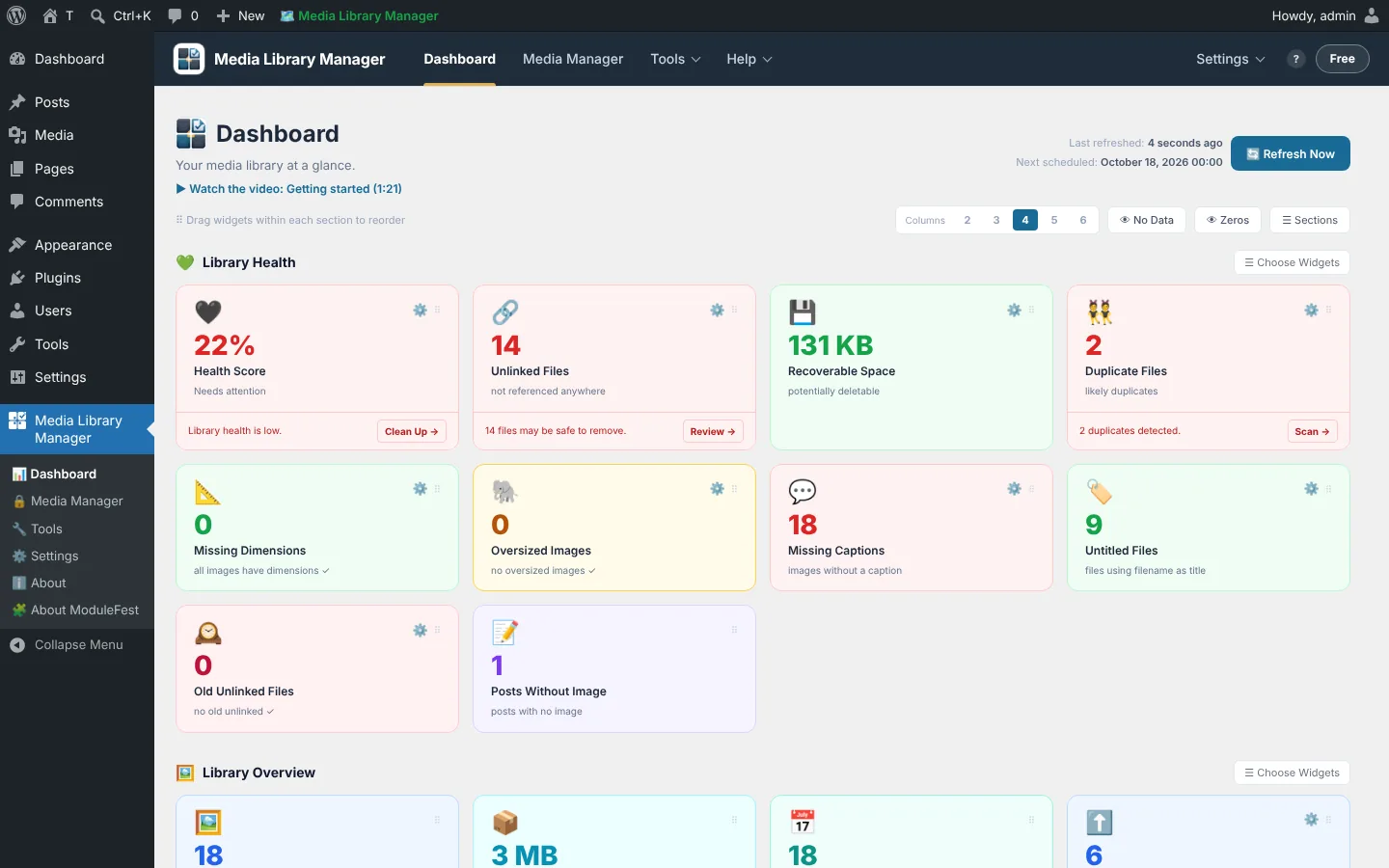
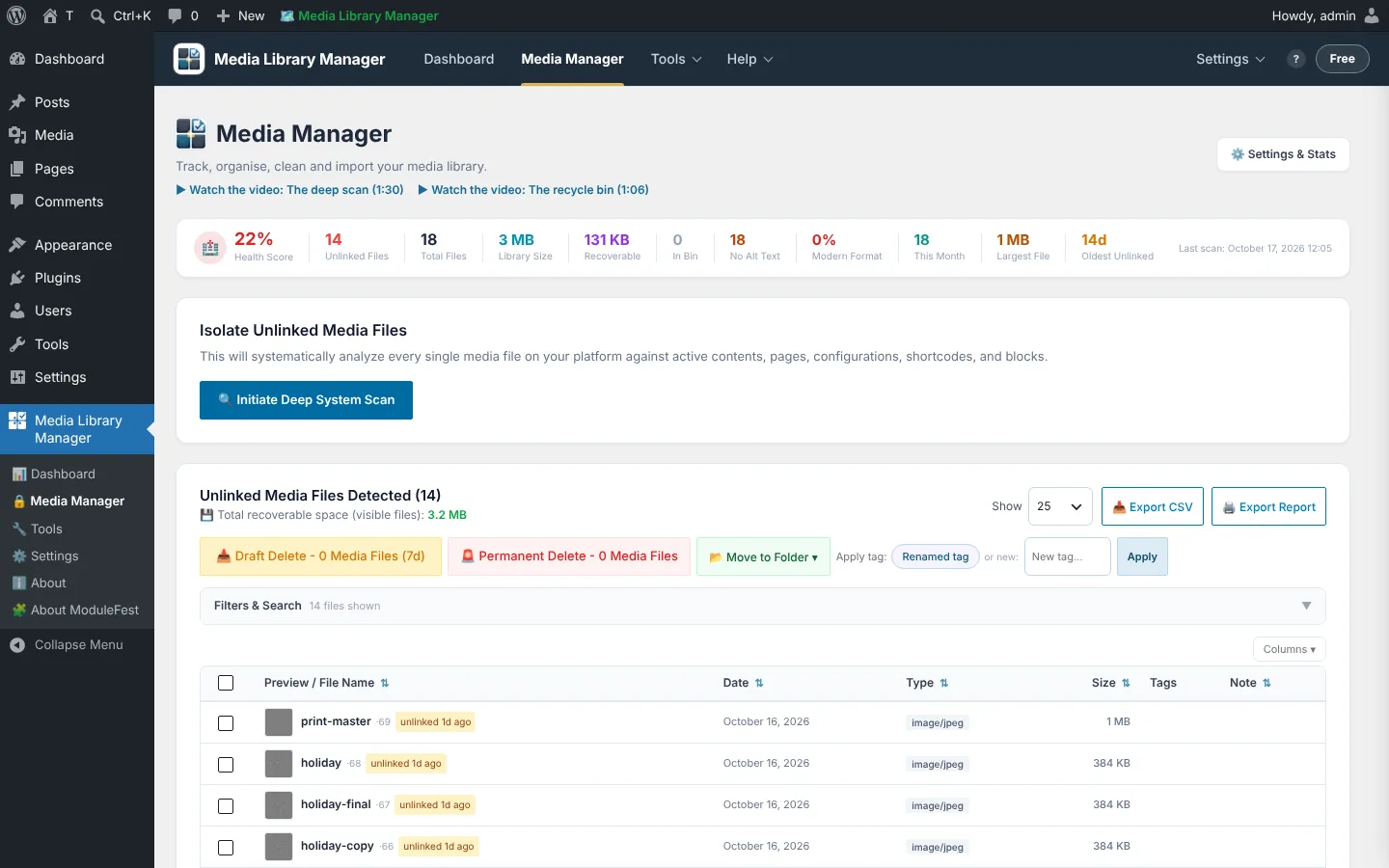
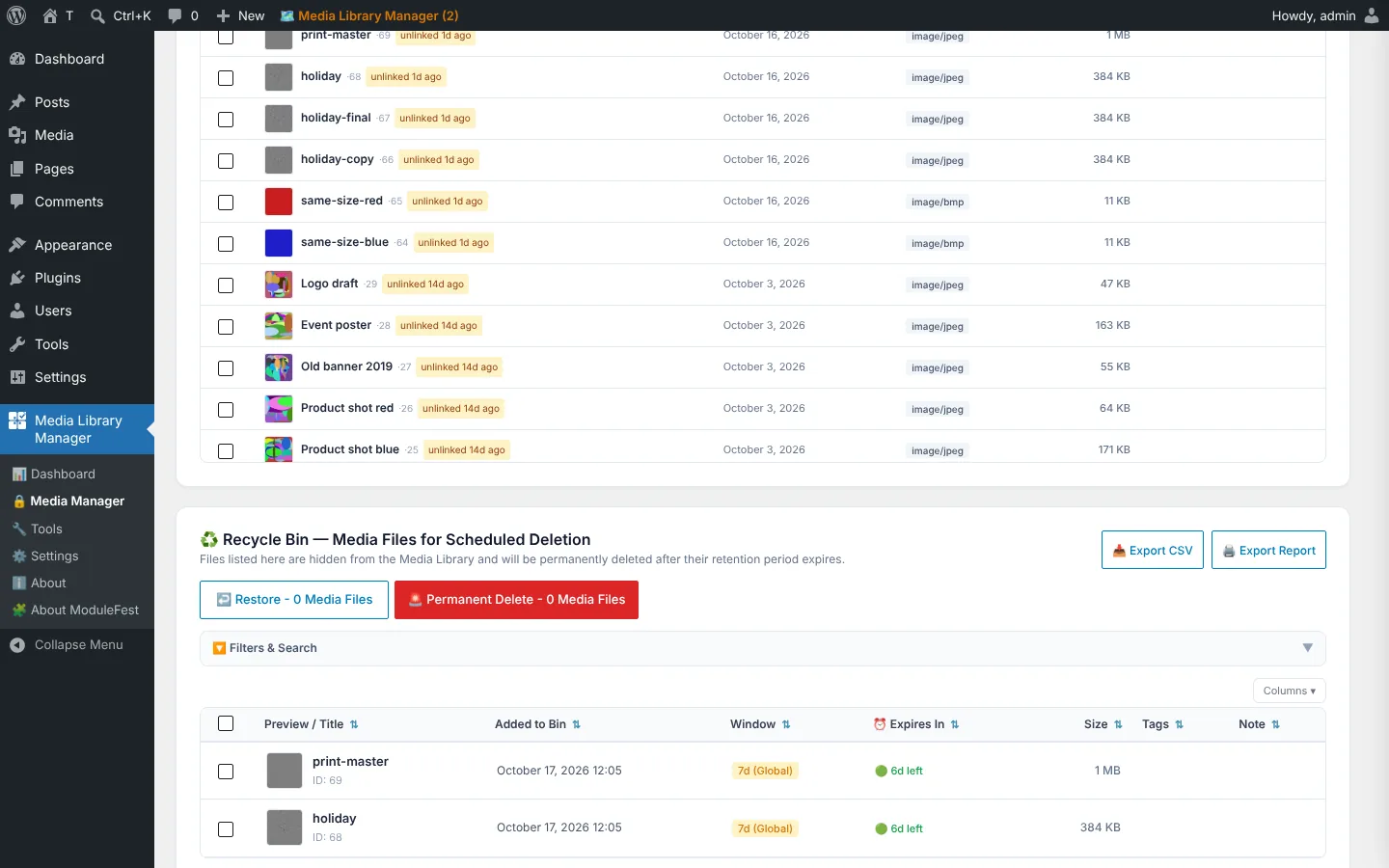
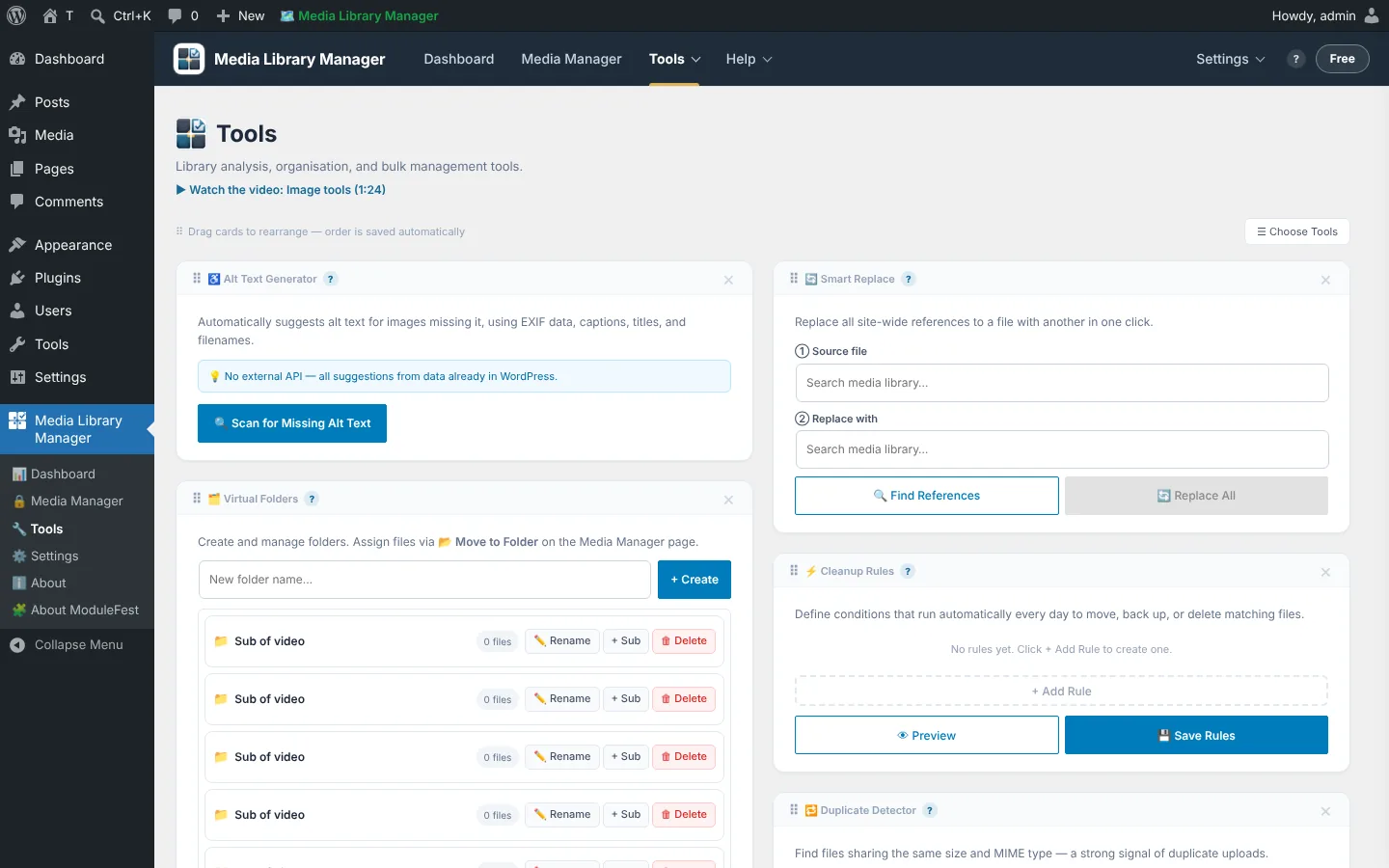
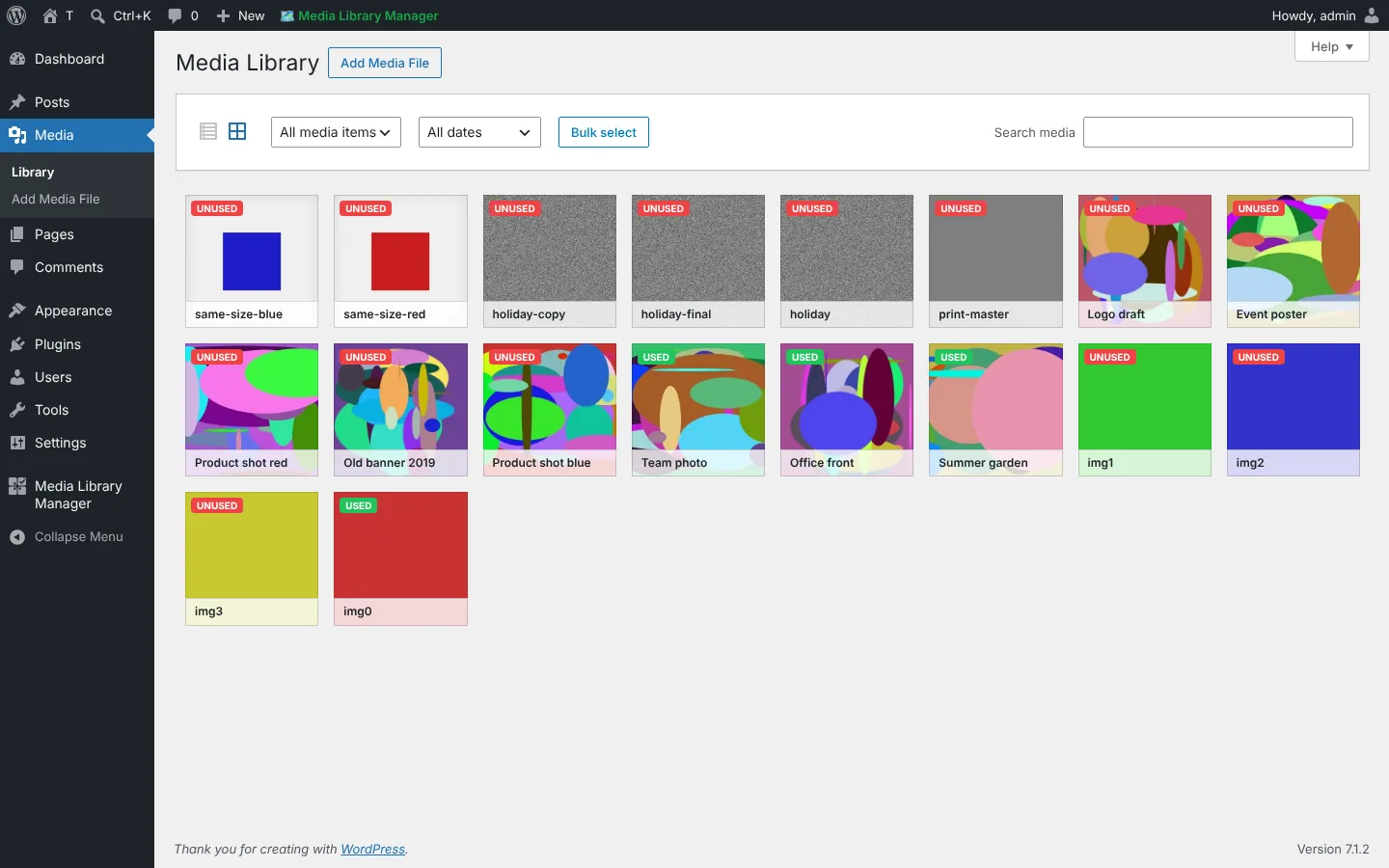
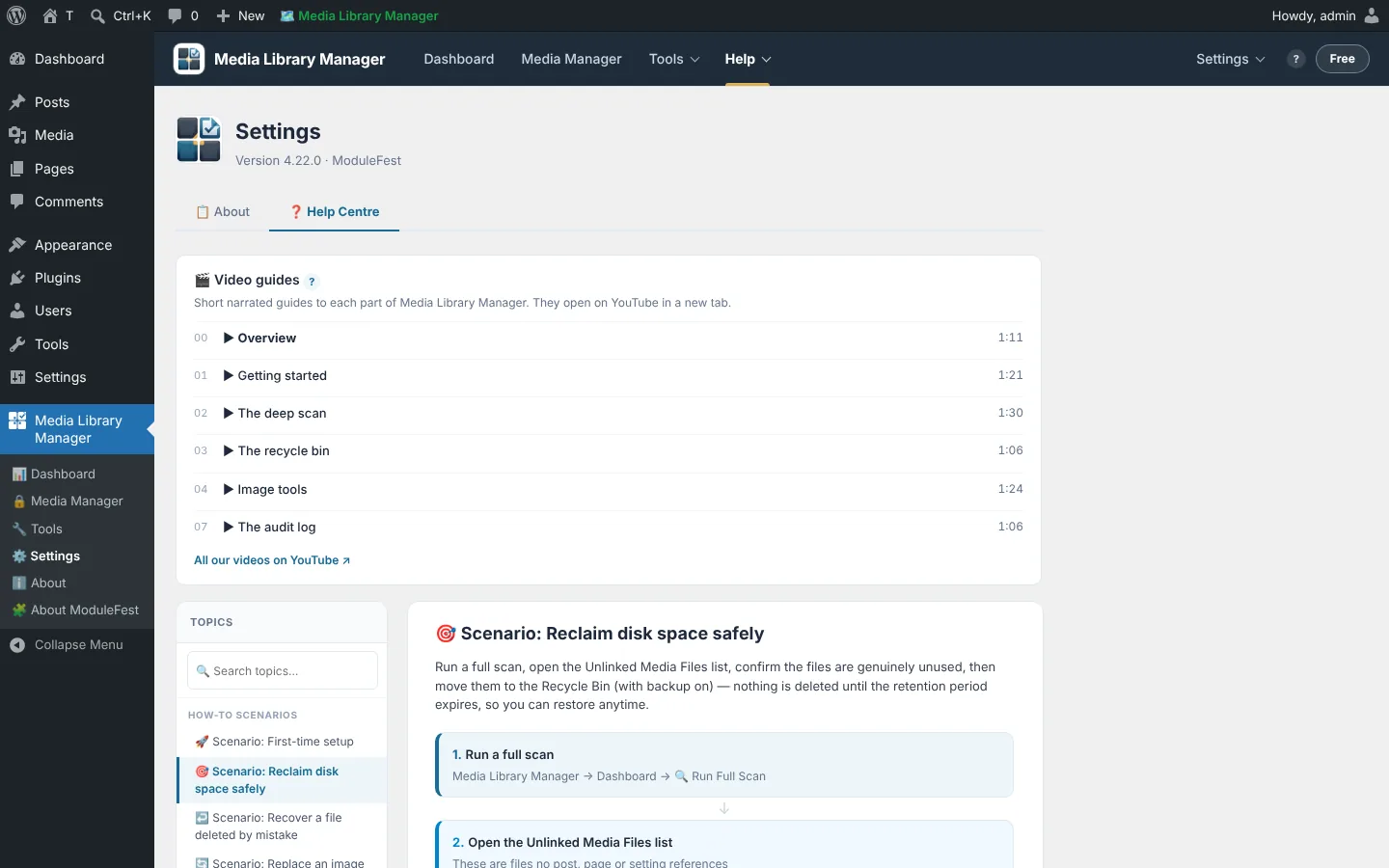
ModuleFest Media Library Manager
Scan, clean, organise and back up your media library
More news
 New featurePet Groomer 2.77: Account credit and monthly billingManage advance payments and bill chosen clients just once a month.See what's new →
 New releaseModuleFest Pet Walker 2.771.222Customers can now pay in advance and have their invoices paid from the balance. Also in this release: pay monthly in arrears: one invoice at the…See what's new →
 New releaseModuleFest Trades Business Manager 0.14.42Jobs, quotes, invoices and stock for tradesSee what's new →