









 New release
ModuleFest Cron Monitor 1.26.2
You can now ensure your Discord chat alerts display the correct tool name instead of appearing as Cron Monitor. Also in this release: cron Monitor keeps old alert email and webhook after another tool changes the shared ones.
New in 1.26.2
Shared chat cards hardcode Cron Monitor as the Discord sender
You can now ensure your Discord chat alerts display the correct tool name instead of appearing as Cron Monitor. Find this in WordPress under Tools > Chat Settings.
- Select your preferred communication tool from the sender options.
- Save your changes to update the chat card username and footer.
Cron Monitor keeps old alert email and webhook after another tool changes the shared ones
Alert settings now stay in step across ModuleFest tools. If you change the alert email or chat webhook in another ModuleFest tool, Cron Monitor uses the new ones straight away.
- Change the alert email or chat webhook in any ModuleFest tool.
- Open Cron Monitor › Settings › Alerts to see the same values there.
More of ModuleFest Cron Monitor
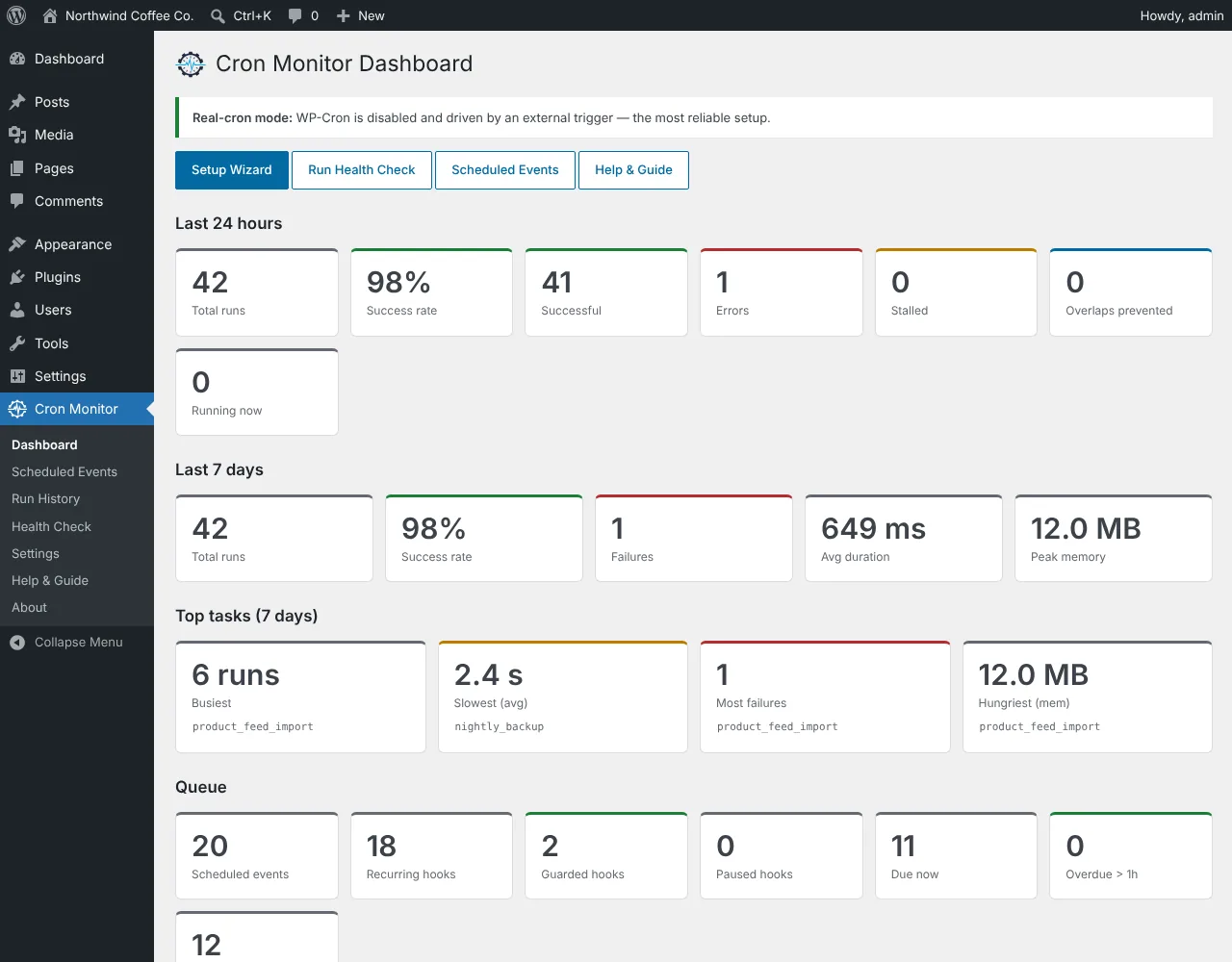
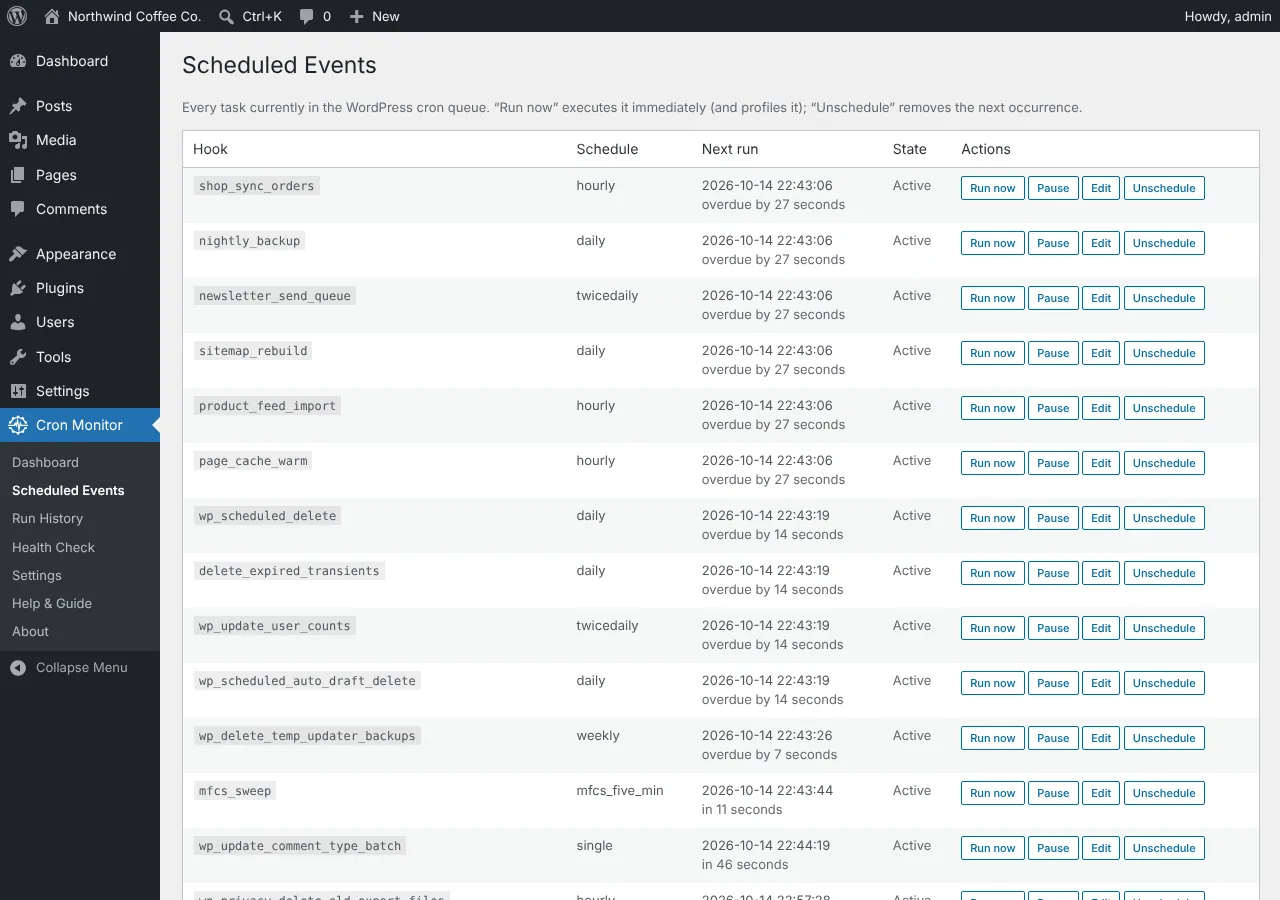
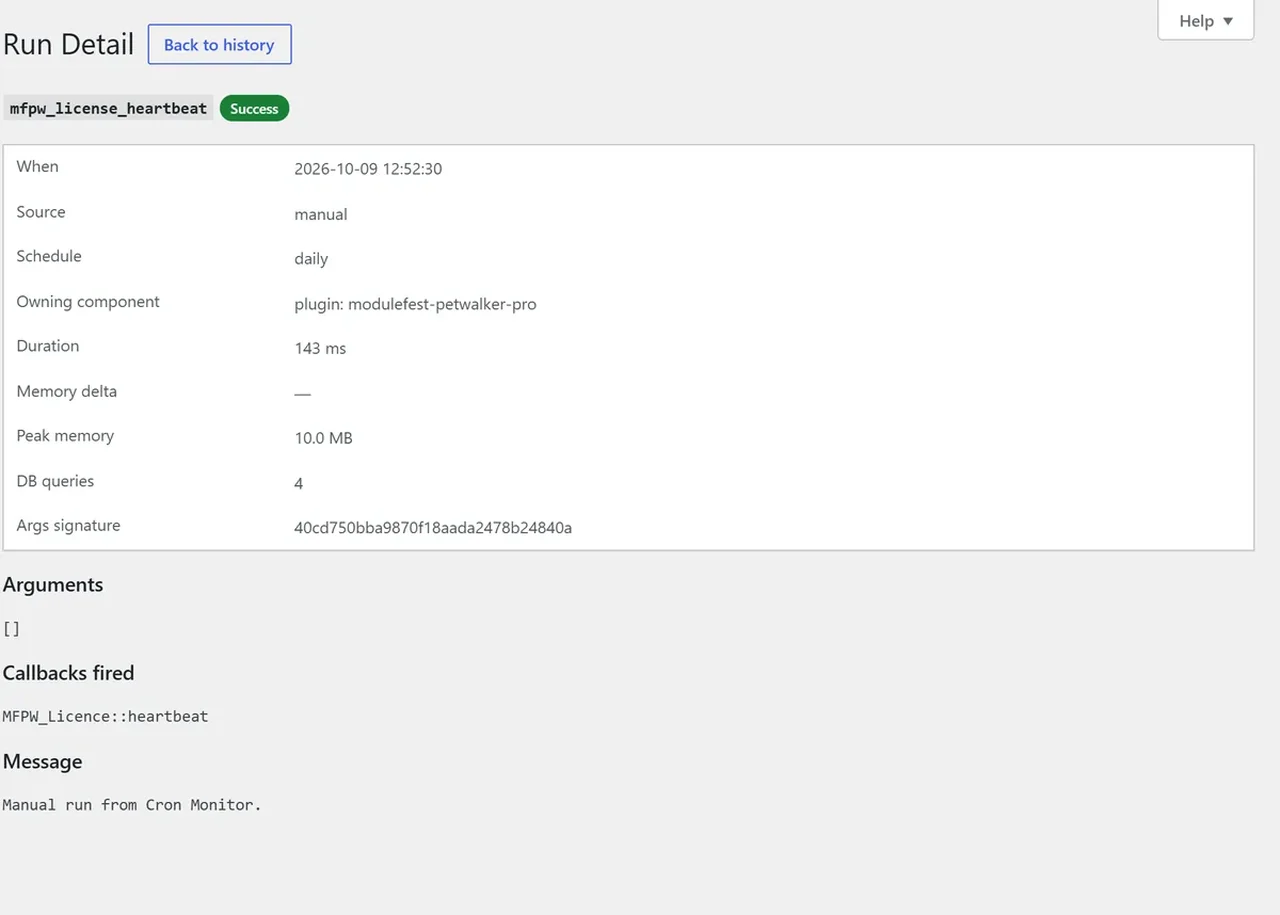
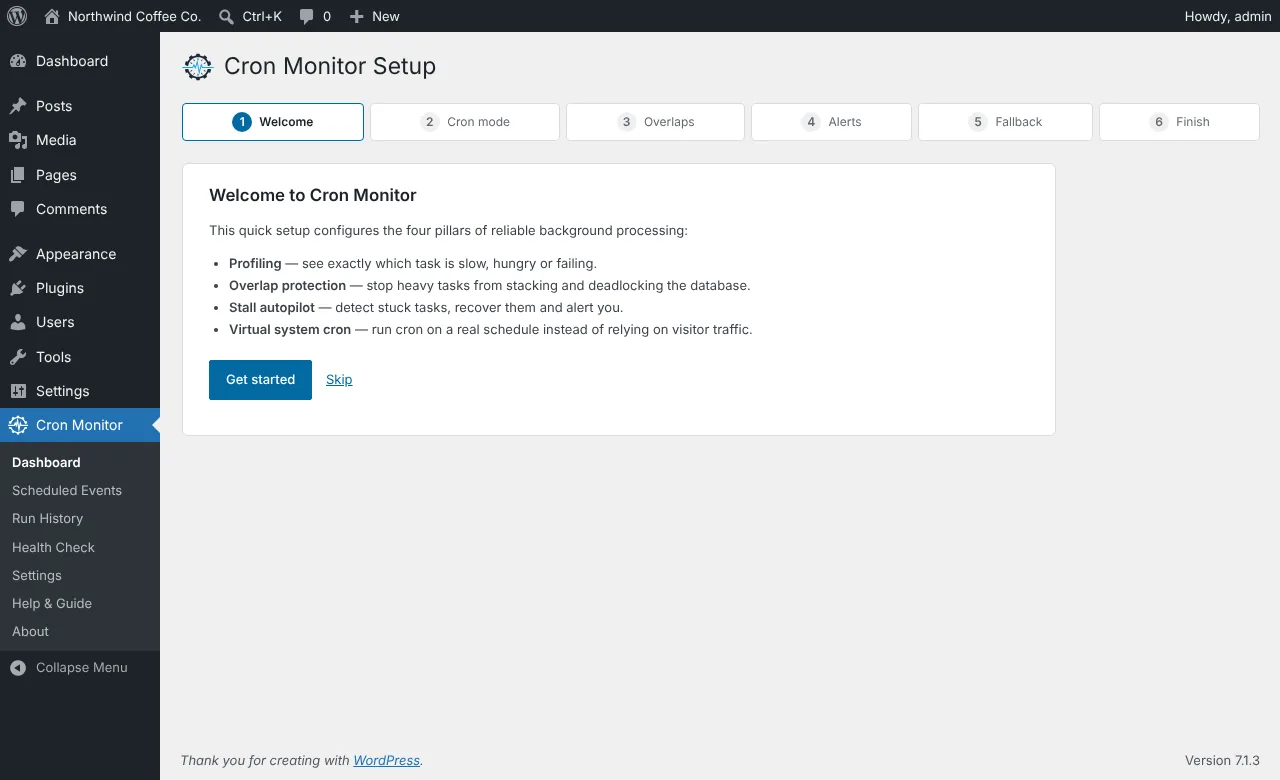
ModuleFest Cron Monitor
The control tower for your site's scheduled tasks.
More news
 New featurePet Groomer 2.77: Account credit and monthly billingManage advance payments and bill chosen clients just once a month.See what's new →
 New releaseModuleFest Pet Walker 2.771.222Customers can now pay in advance and have their invoices paid from the balance. Also in this release: pay monthly in arrears: one invoice at the…See what's new →
 New releaseModuleFest Trades Business Manager 0.14.42Jobs, quotes, invoices and stock for tradesSee what's new →