









 Nueva versión
ModuleFest Pet Walker 2.771.222
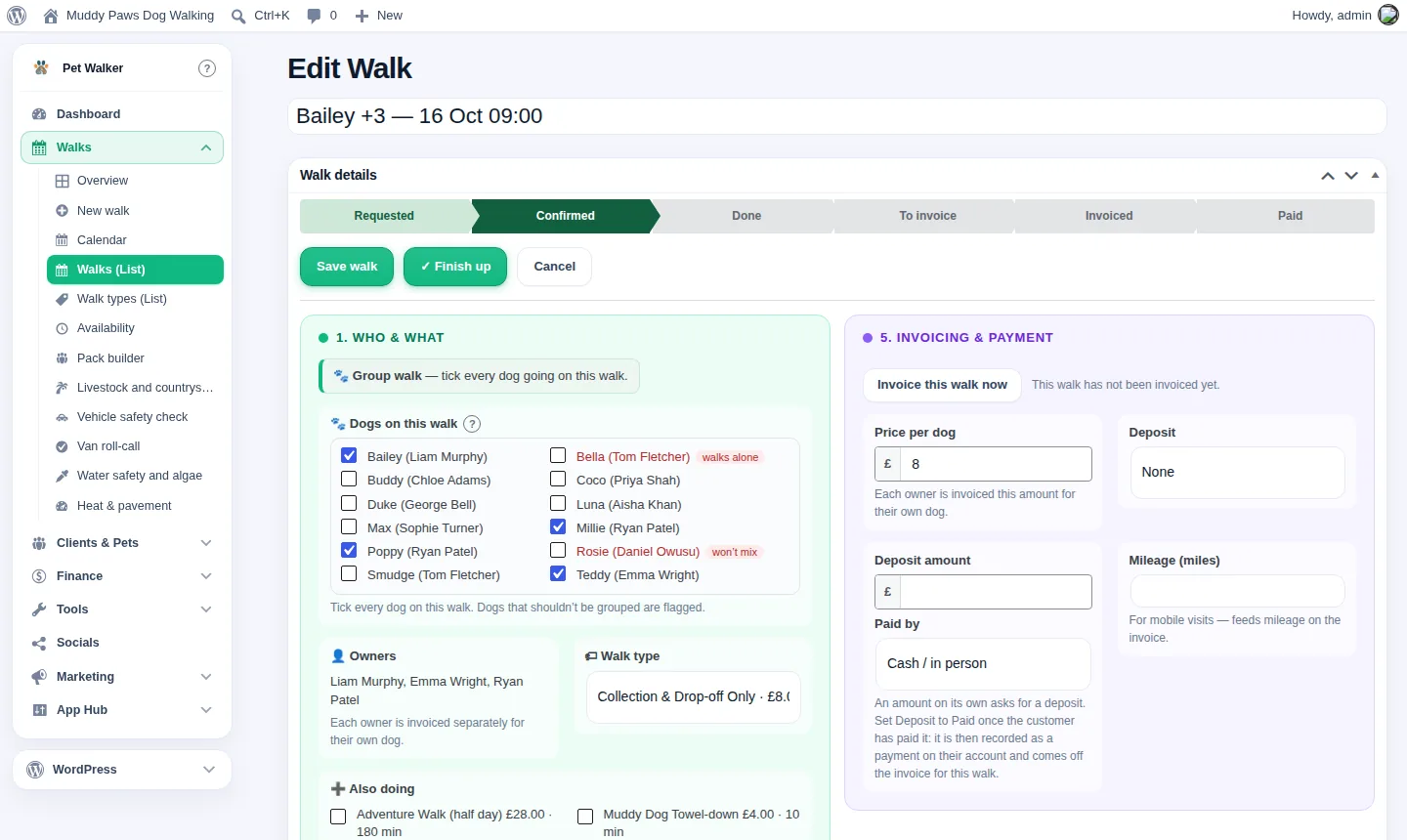
Los clientes ahora pueden pagar por adelantado y hacer que sus facturas se paguen con el saldo. También en esta versión: pay monthly in arrears: one invoice at the end of the month for chosen customers.
Nuevo en la 2.771.222
Crédito de cuenta: los clientes pagan por adelantado y las visitas se deducen del saldo
Los clientes ahora pueden pagar por adelantado y hacer que sus facturas se paguen con el saldo.
Encuéntralo en el cliente: Clients › abrir un cliente › Account credit, y en Settings › Invoicing › Account credit.
- Para registrar el dinero pagado por adelantado, elige Money received y cómo se pagó, introduce la cantidad y pulsa Add credit.
- Las nuevas facturas se pagan con el crédito automáticamente, o se ofrecen en la factura si lo prefieres. Cuando el crédito es insuficiente, paga una parte.
- Para devolver dinero o corregir un error, abre Take credit off.
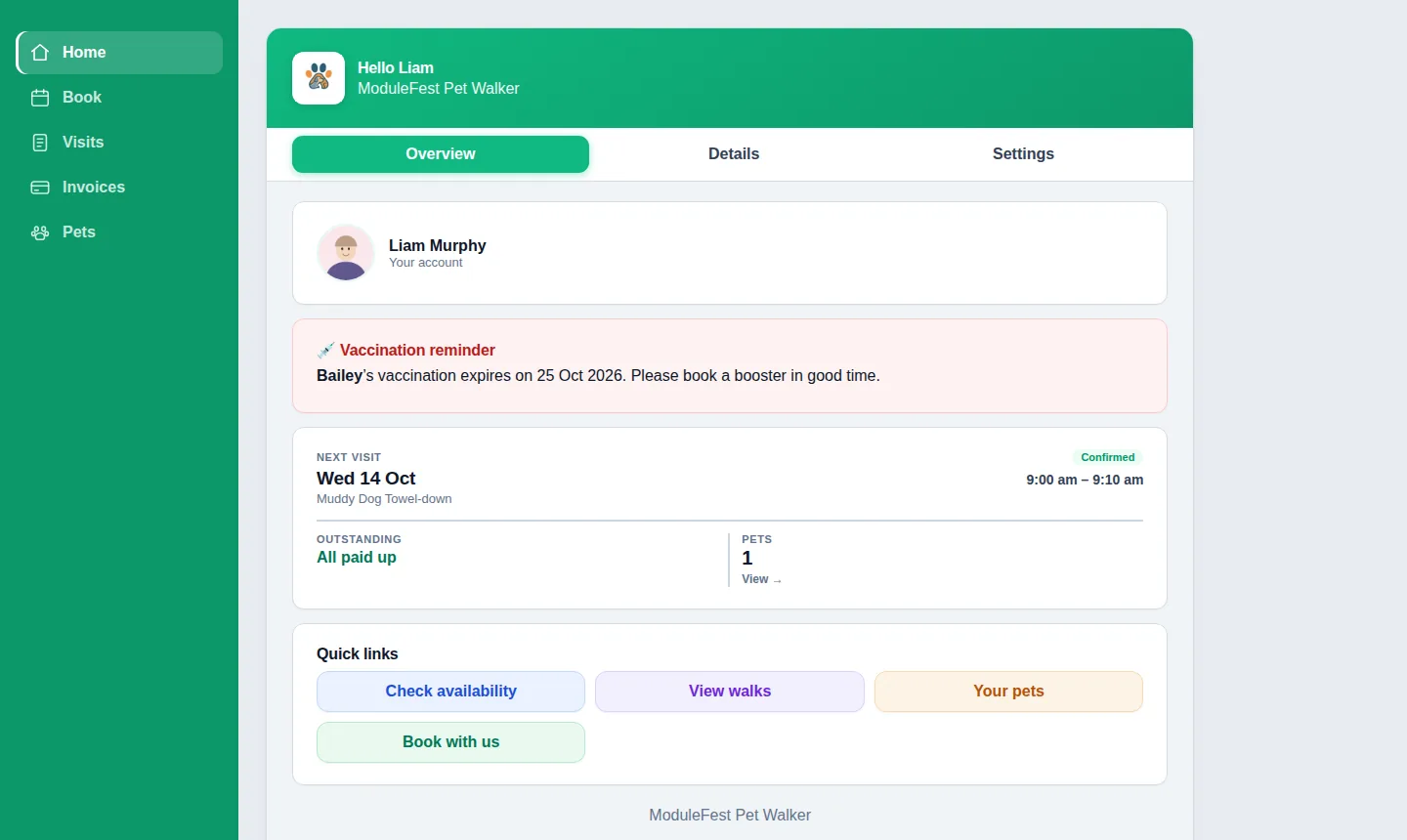
- Los clientes ven su saldo en su cuenta y pueden recargar con tarjeta cuando los pagos con tarjeta estén configurados.
- El personal ve el saldo en la aplicación para empleados.
- Cada movimiento aparece en el extracto del cliente, y una recarga se contabiliza una vez en tus ingresos.


Pay monthly in arrears: one invoice at the end of the month for chosen customers
You can now bill chosen customers once a month instead of after every visit.
Find it on the customer: Clients › open a customer › Billing.
- Tick Bill monthly and set the payment terms, for example 14 days.
- Their finished visits wait under To be billed, on their record and in their account.
- On the billing day one invoice lists every visit and is emailed to them. Press Send this invoice now to do it early.
- Choose the billing day in Settings › Invoicing › Monthly billing: the last day of the month, or a day from 1 to 28.
- A cancelled visit drops off, and a visit next month goes on next month's invoice.
- Deposits and account credit are put towards the invoice.
- Everyone else is billed as before.


Más de ModuleFest Pet Walker
ModuleFest Pet Walker
El gestor para negocios de paseo de perros: reservas, clientes y facturación
Más noticias
 Nueva funciónPet Groomer 2.77: Account credit and monthly billingManage advance payments and bill chosen clients just once a month.Ver las novedades →
 Nueva versiónModuleFest Trades Business Manager 0.14.42Jobs, quotes, invoices and stock for tradesVer las novedades →
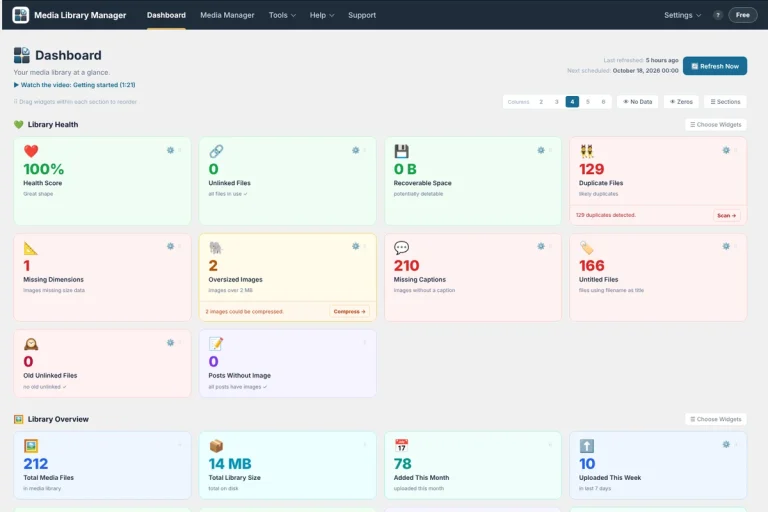 Nueva funciónMedia Library Manager 4.32: Spreadsheet editing and image auditsBulk edit media in a spreadsheet view, find oversized images slowing down your pages, and track licence expiry dates with ease.Ver las novedades →