









 Nieuwe versie
ModuleFest Pet Walker 2.771.222
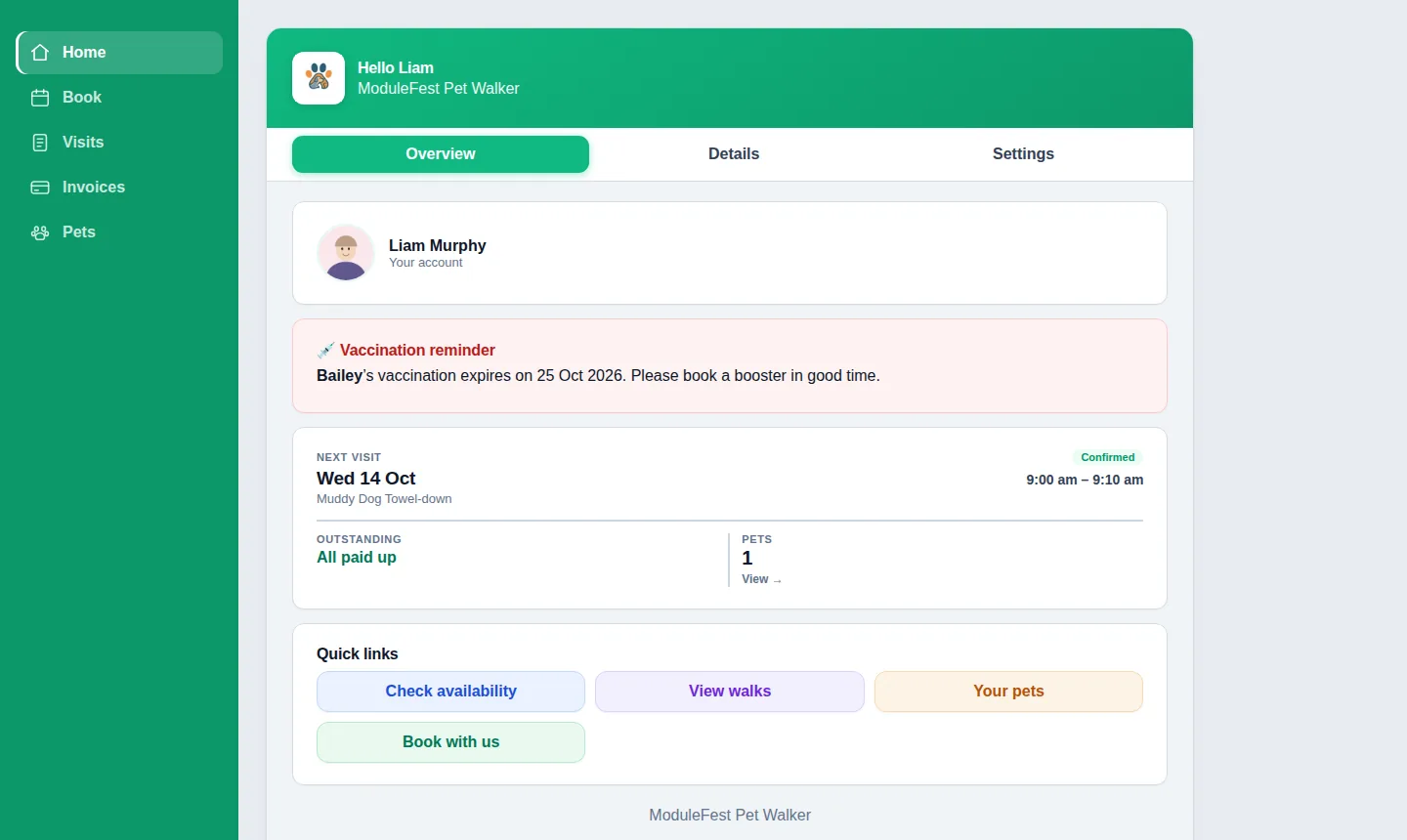
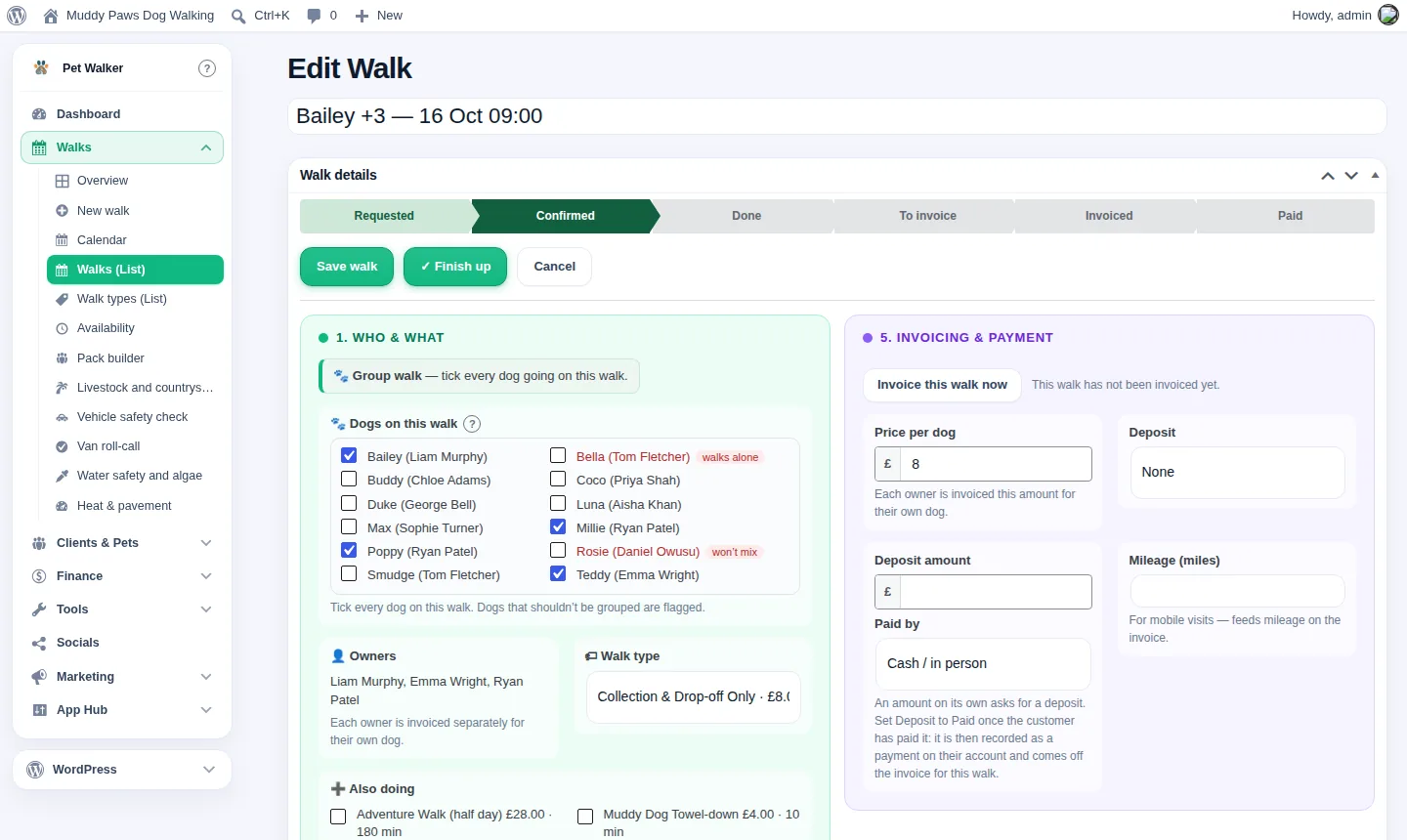
Klanten kunnen nu vooruitbetalen en hun facturen vanuit het saldo laten betalen. Ook in deze versie: pay monthly in arrears: one invoice at the end of the month for chosen customers.
Nieuw in 2.771.222
Accounttegoed: klanten betalen vooraf en bezoeken worden van hun saldo afgeschreven
Klanten kunnen nu vooruitbetalen en hun facturen vanuit het saldo laten betalen.
Je vindt dit bij de klant via: Clients › open een klant › Account credit, en in Settings › Invoicing › Account credit.
- Om vooruitbetaald geld te registreren, kies je Ontvangen geld en hoe dit is betaald, voer je het bedrag in en klik je op Add credit.
- Nieuwe facturen worden automatisch vanuit het tegoed betaald, of desgewenst op de factuur aangeboden. Als het tegoed niet toereikend is, wordt er een deel van betaald.
- Om geld terug te geven of een fout te corrigeren, open je Take credit off.
- Klanten zien hun saldo in hun account en kunnen opwaarderen met een kaart als kaartbetalingen zijn ingesteld.
- Medewerkers zien het saldo in de medewerkers-app.
- Elke mutatie staat op het rekeningoverzicht van de klant en een opwaardering wordt één keer meegeteld in je omzet.


Pay monthly in arrears: one invoice at the end of the month for chosen customers
You can now bill chosen customers once a month instead of after every visit.
Find it on the customer: Clients › open a customer › Billing.
- Tick Bill monthly and set the payment terms, for example 14 days.
- Their finished visits wait under To be billed, on their record and in their account.
- On the billing day one invoice lists every visit and is emailed to them. Press Send this invoice now to do it early.
- Choose the billing day in Settings › Invoicing › Monthly billing: the last day of the month, or a day from 1 to 28.
- A cancelled visit drops off, and a visit next month goes on next month's invoice.
- Deposits and account credit are put towards the invoice.
- Everyone else is billed as before.


Meer van ModuleFest Pet Walker
ModuleFest Pet Walker
De beheertool voor je uitlaatservice: boekingen, klanten en facturatie
Meer nieuws
 Nieuwe functiePet Groomer 2.77: Account credit and monthly billingManage advance payments and bill chosen clients just once a month.Bekijk wat er nieuw is →
 Nieuwe versieModuleFest Trades Business Manager 0.14.42Jobs, quotes, invoices and stock for tradesBekijk wat er nieuw is →
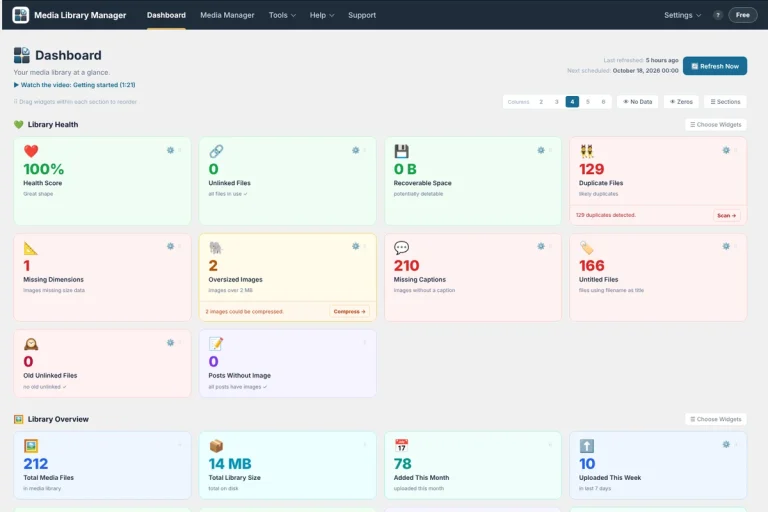 Nieuwe functieMedia Library Manager 4.32: Spreadsheet editing and image auditsBulk edit media in a spreadsheet view, find oversized images slowing down your pages, and track licence expiry dates with ease.Bekijk wat er nieuw is →