









 Versie
ModuleFest Cron Monitor 1.18.0
Every scheduled task now has its own page. Ook in deze versie: see Cron Monitor's health on the WordPress Dashboard.
Nieuw in 1.18.0
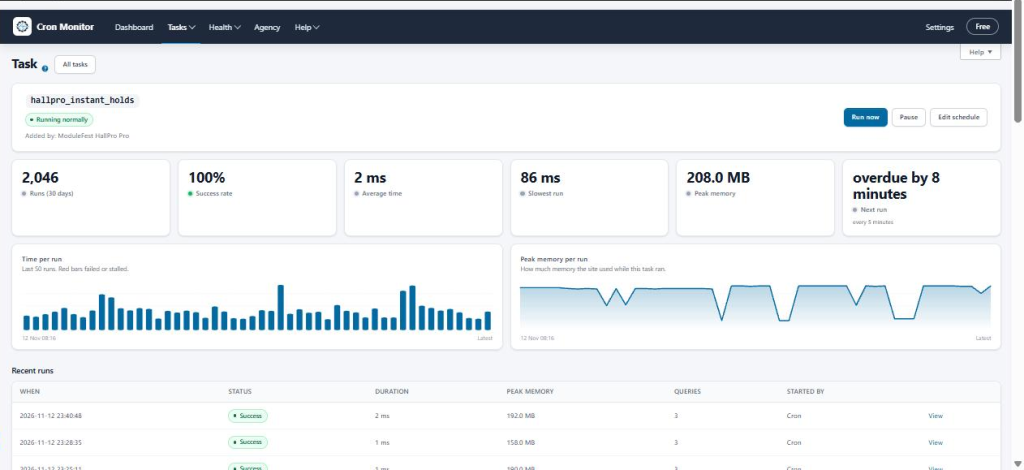
Open a page for each task with its history and chart
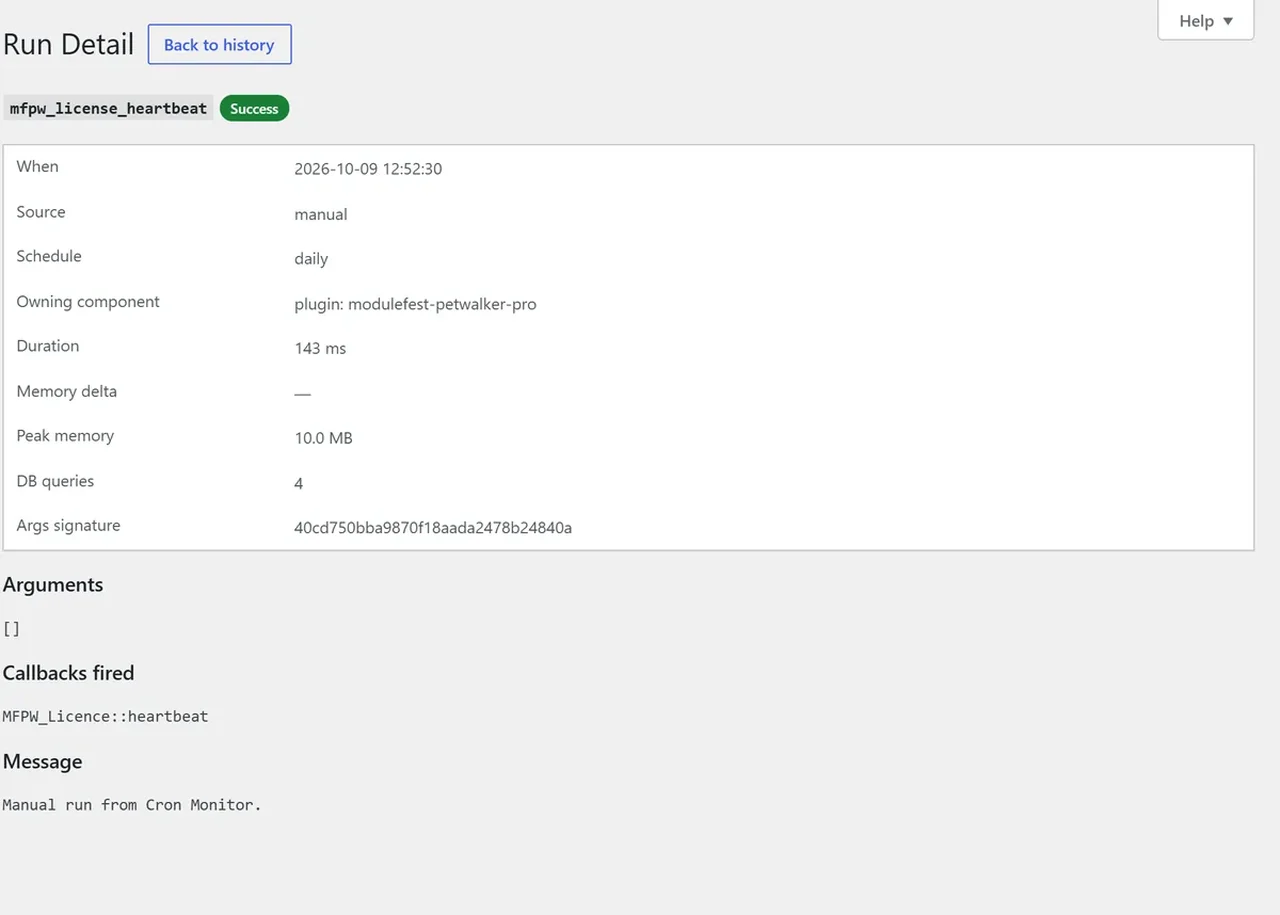
Every scheduled task now has its own page. Click any task name to see what it is, which plugin added it and how it has behaved.
- Go to Tasks › Scheduled Events, or Tasks › Run History.
- Click a task name.
- Check its figures for the last 30 days and the charts of its last 50 runs. Red bars show runs that failed.
- Use Run now, Pause or Edit schedule at the top.
See Cron Monitor's health on the WordPress Dashboard
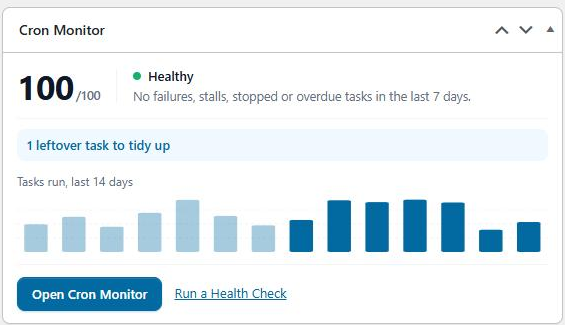
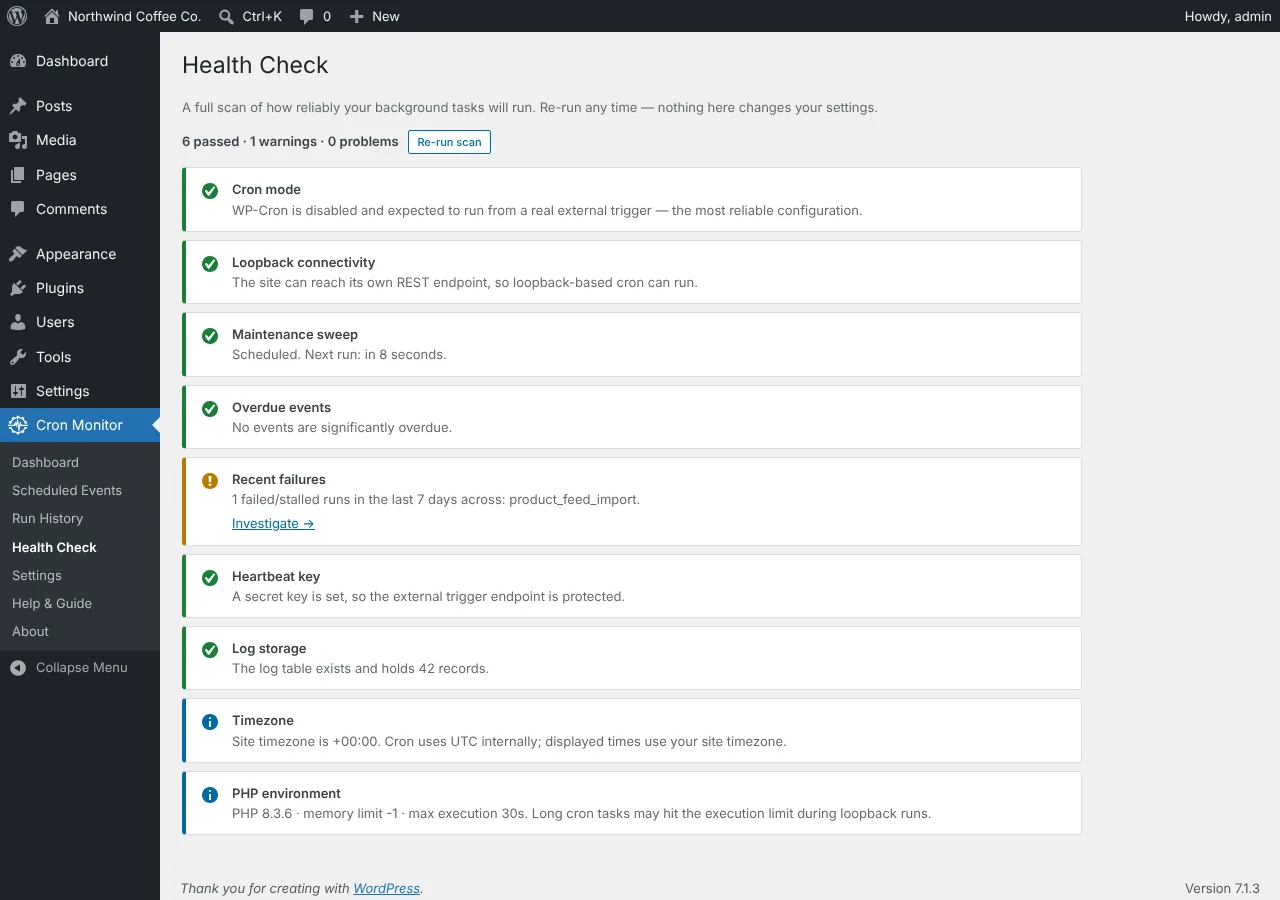
You can now see Cron Monitor's health score on the main WordPress Dashboard. You no longer need to open Cron Monitor to check that your scheduled tasks are fine.
- Go to Dashboard › Home.
- Find the Cron Monitor box, with your health score and a 14-day chart.
- Click any warning in the box to go straight to it.
To hide the box, untick Cron Monitor under Screen Options.
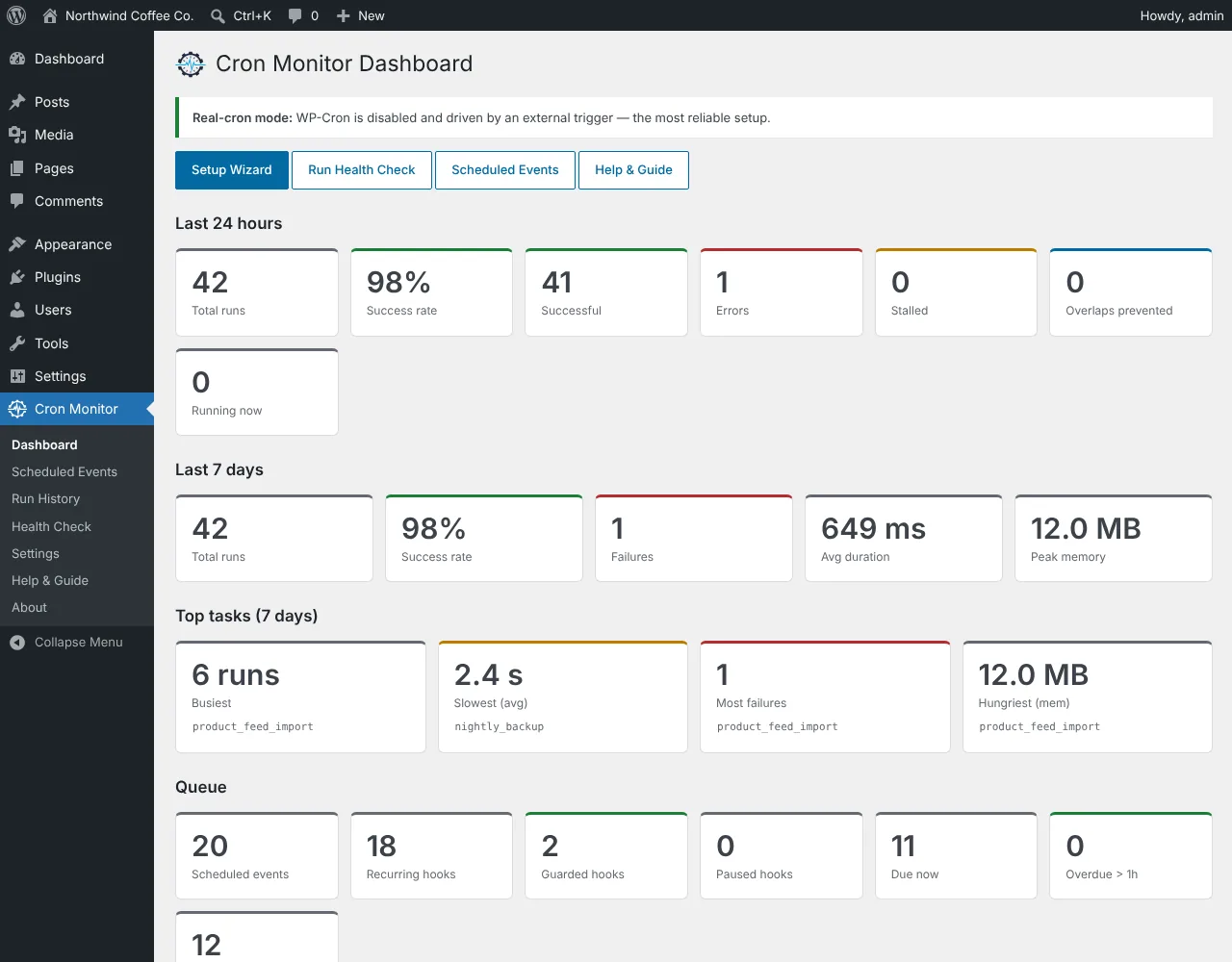
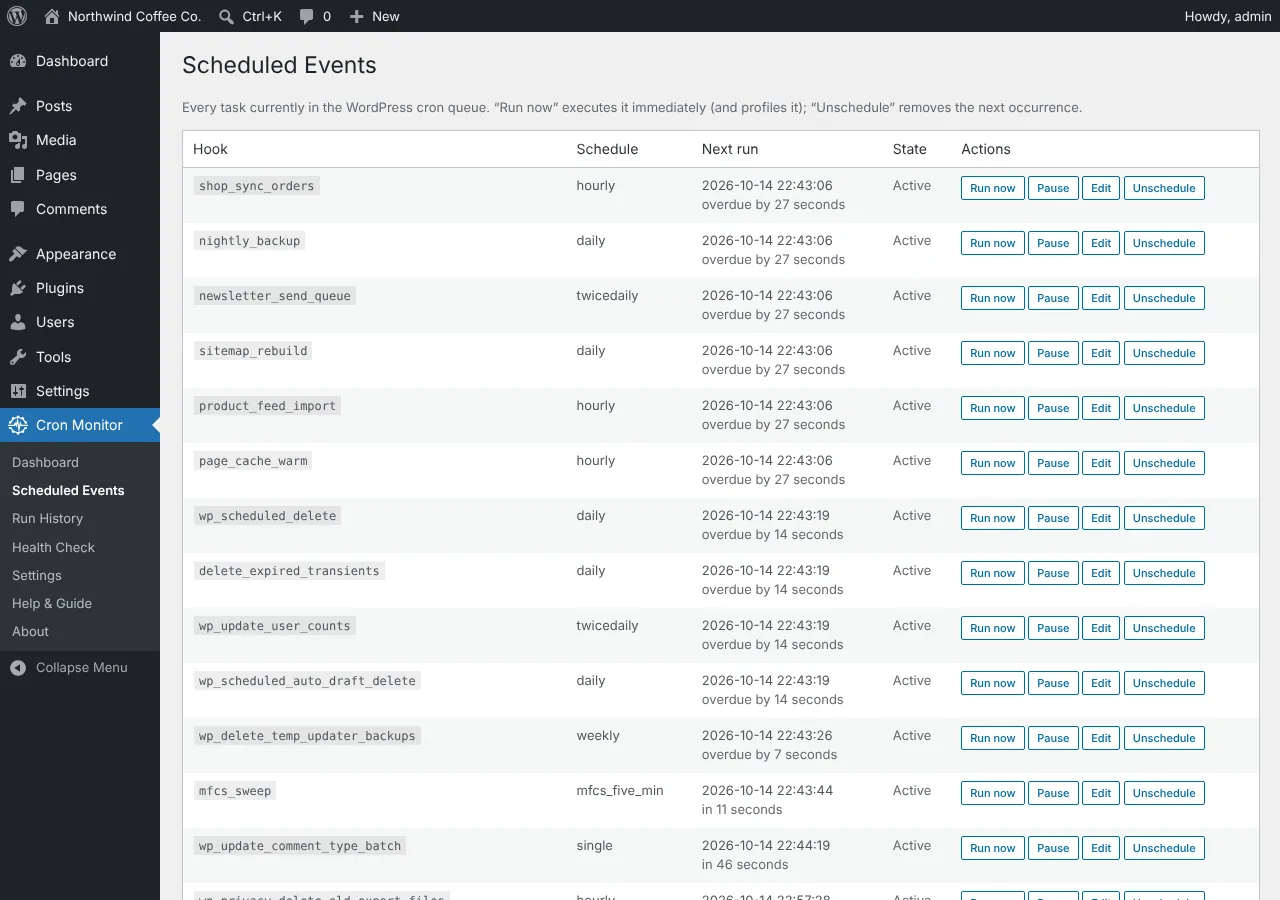
Meer van ModuleFest Cron Monitor
ModuleFest Cron Monitor
The control tower for your site's scheduled tasks.
Meer nieuws
 Nieuwe functiePet Groomer 2.77: Account credit and monthly billingManage advance payments and bill chosen clients just once a month.Bekijk wat er nieuw is →
 Nieuwe versieModuleFest Pet Walker 2.771.222Klanten kunnen nu vooruitbetalen en hun facturen vanuit het saldo laten betalen. Ook in deze versie: pay monthly in arrears: one invoice at the end of…Bekijk wat er nieuw is →
 Nieuwe versieModuleFest Trades Business Manager 0.14.42Jobs, quotes, invoices and stock for tradesBekijk wat er nieuw is →